How I’m Using ChatGPT’s New Image Model for Realistic Product Ads:
(and How You Can Too😄)

Hello AI Illustrators👋
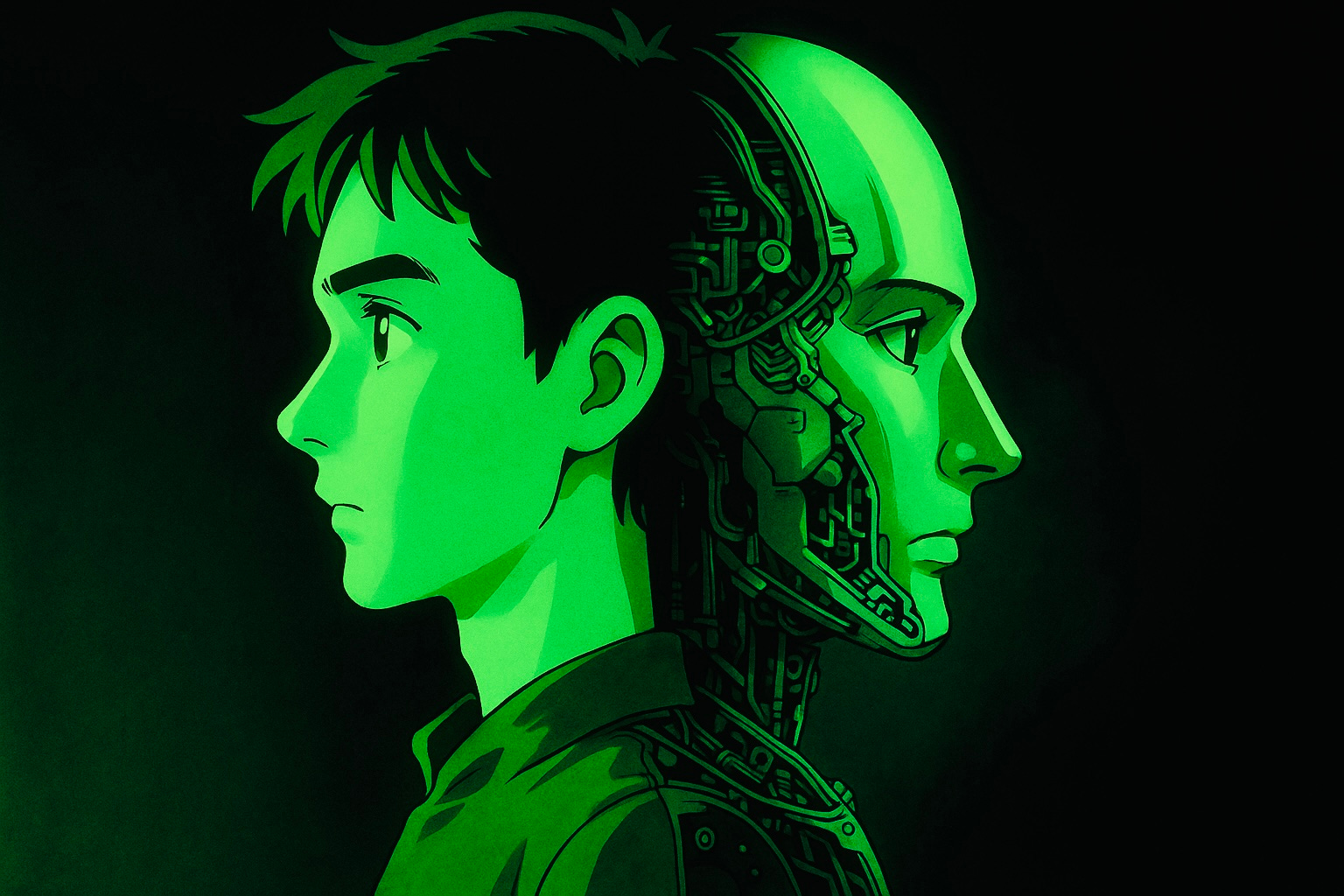
How to go from..
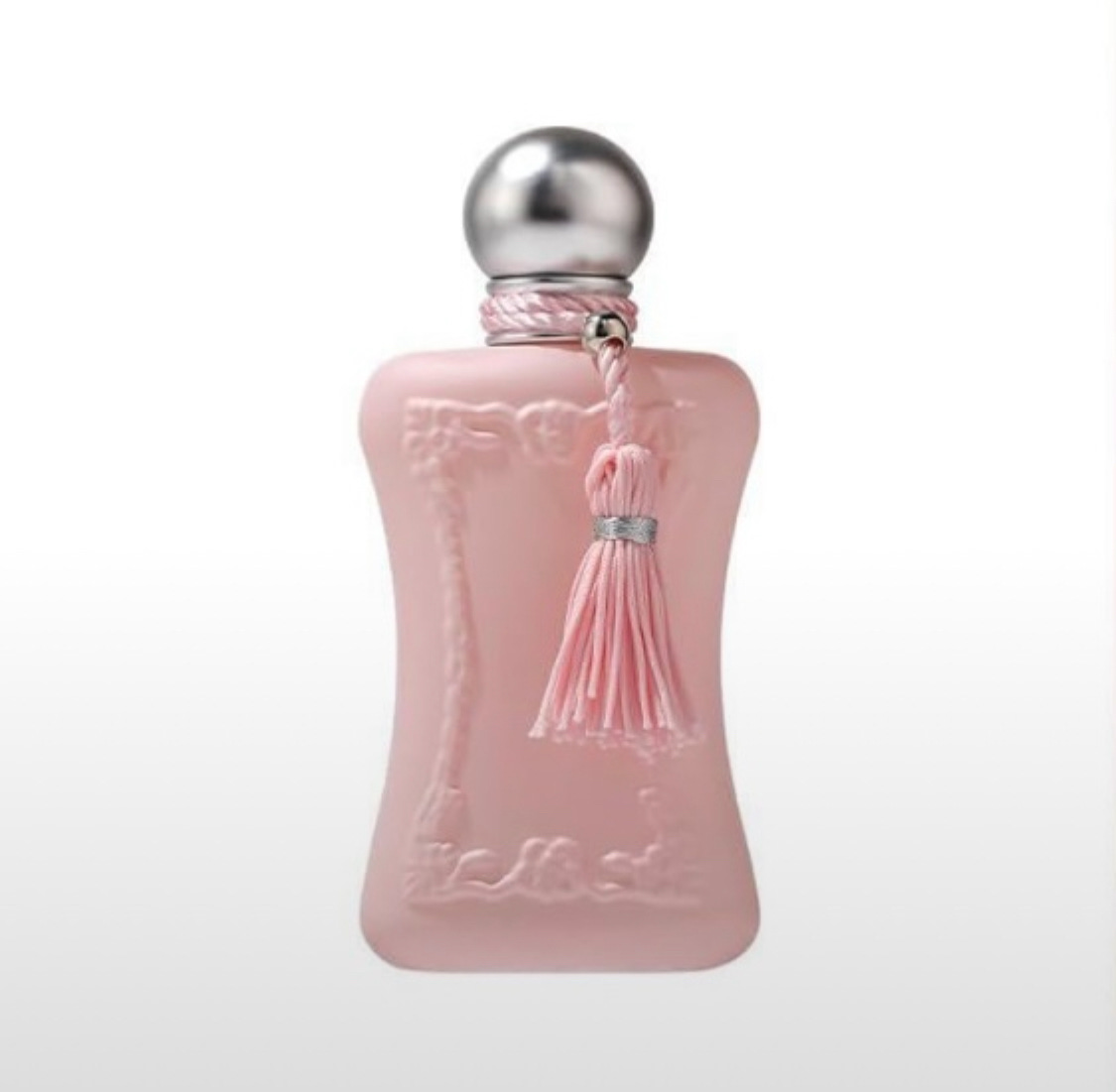
To…
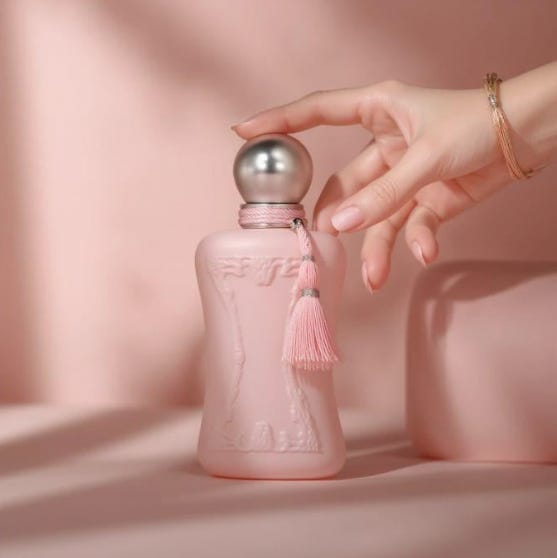
If you’re using OpenAI’s new image model to generate product shots, marketing visuals, or ads. And you’re typing stuff like….
“Create me an image of a pink can on a table with nice lighting,” “You wont get the most out of the model.”
Here’s how to fix that.
🧠 First, Know How the ChatGPTs New Image creation Model Works:
This isn’t text generation. The image model uses a diffusion system at the behind the scenes (it turns static into an image.)
Here’s how:
The model starts with random visual noise (similar to TV static).
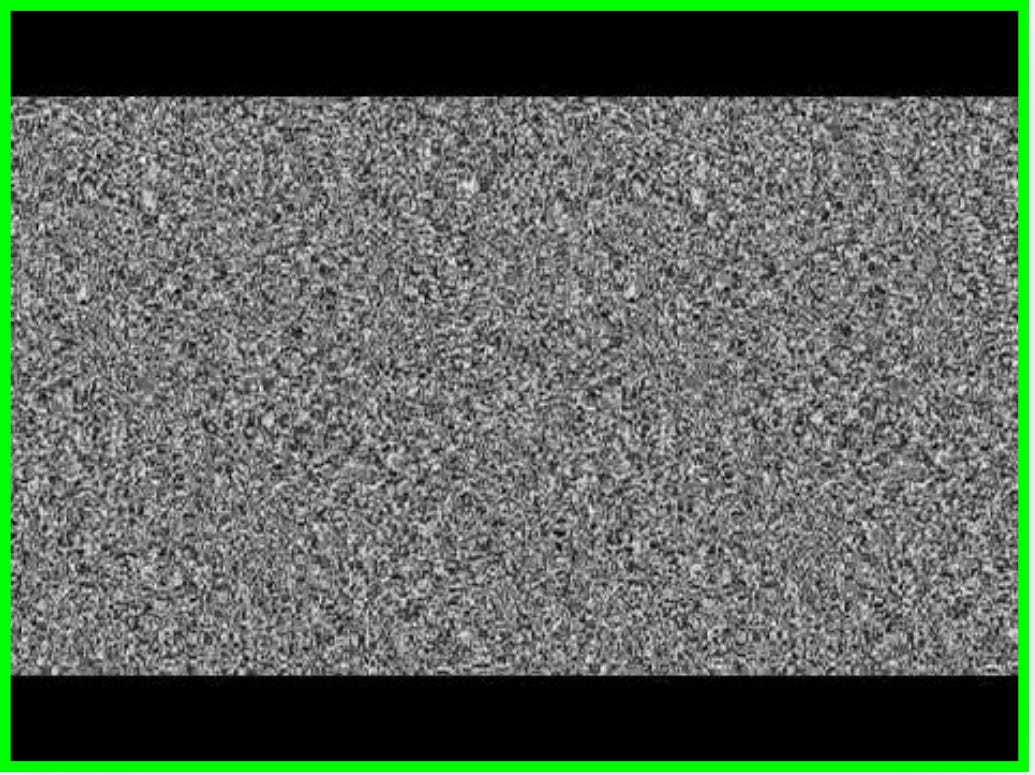
Then, it slowly removes the noise in steps, guided by your prompt.
As the noise clears, a detailed image starts to appear that matches your description.
So it’s not really drawing from scratch. But denoising random pixels into something more meaningful.✅
→ That means your prompt structure, word choice, and layout details matter a lot.
Instead of “a blue water bottle on a table,” try this:
“A matte blue insulated water bottle, centered on a white marble countertop, soft daylight from the left, shallow depth of field, natural shadows, crisp branding visible, high-gloss reflection beneath.”
Small shift. Big difference.🚀
🧪 Use this Prompt Structure:
Here’s a simple format that works:
[1Object] + [2Material & Detail] + [3Setting] + [4Lighting] + [5Camera/Focus] + [6Post/Vibe]
Example:
“A pastel pink ceramic mug with a smooth matte finish, resting on a linen napkin in a sunlit breakfast nook, overhead natural lighting with soft shadows, captured in a 50mm DSLR-style shot, with slight film grain and warm tones.”
Think of it this way:
(Just like a photographer guiding their client on how to pose and present.)
Using these prompt structure you are automatically directing the scene to ChatGPT, not just listing what the product looks like.
🎯 Phrases That Actually Do Something and Why:
These words have a big impact on image creation with ChatGPT:
“Hyper-Realistic image”- Get the most realistic Image generated from ChatGPT
“Matte” / “Glossy” – changes how light reflects
“Shallow depth of field” – gives background blur
“Soft lighting from the left/right” – defines light source
“50mm high end DSLR shot” – adds realism
“Symmetrical composition” – centers layout
“Branding visible” – keeps the logo clear
“Studio lighting” vs “natural daylight” – two different vibes
The model understands how cameras work »» lean into that.
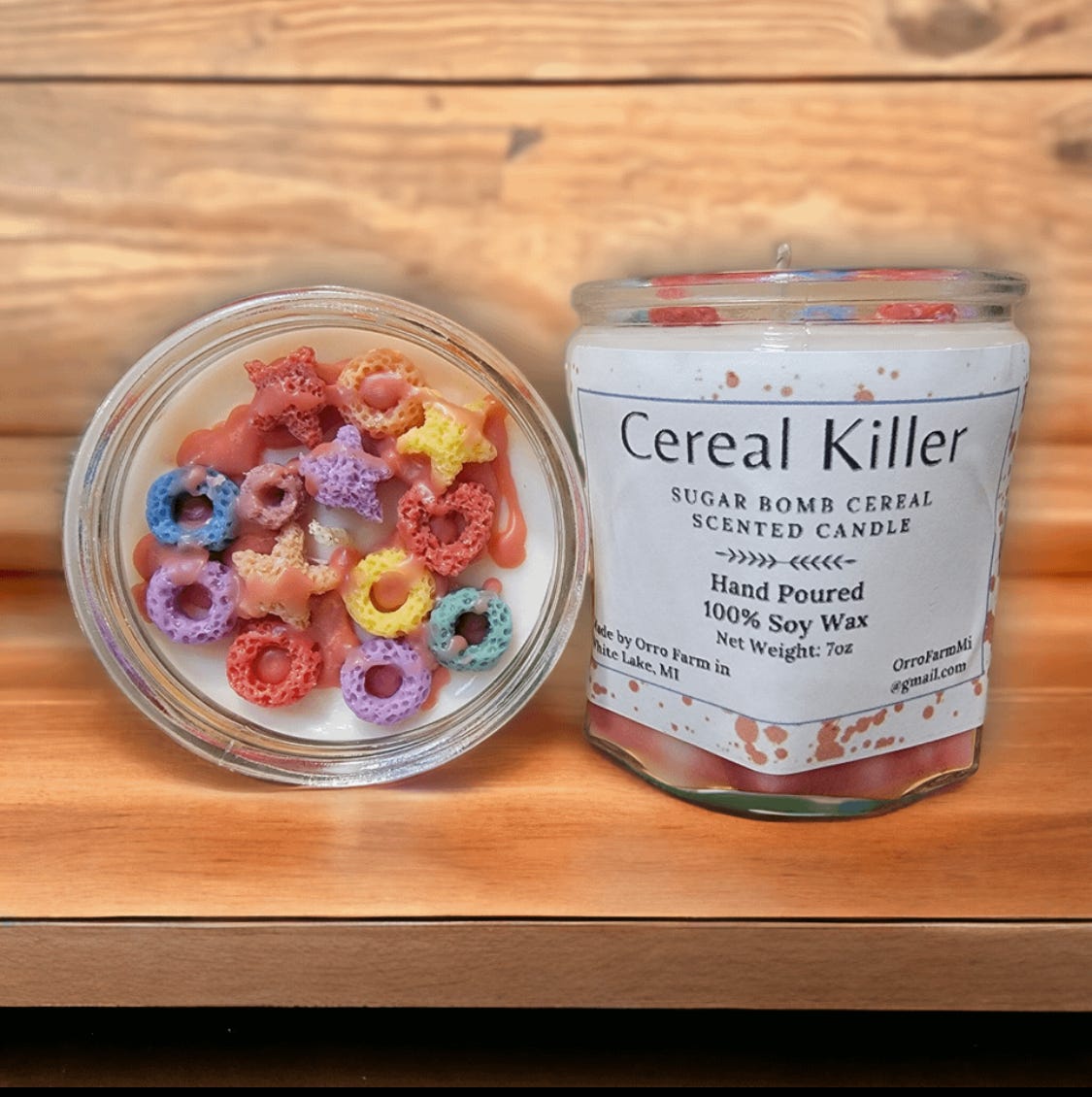
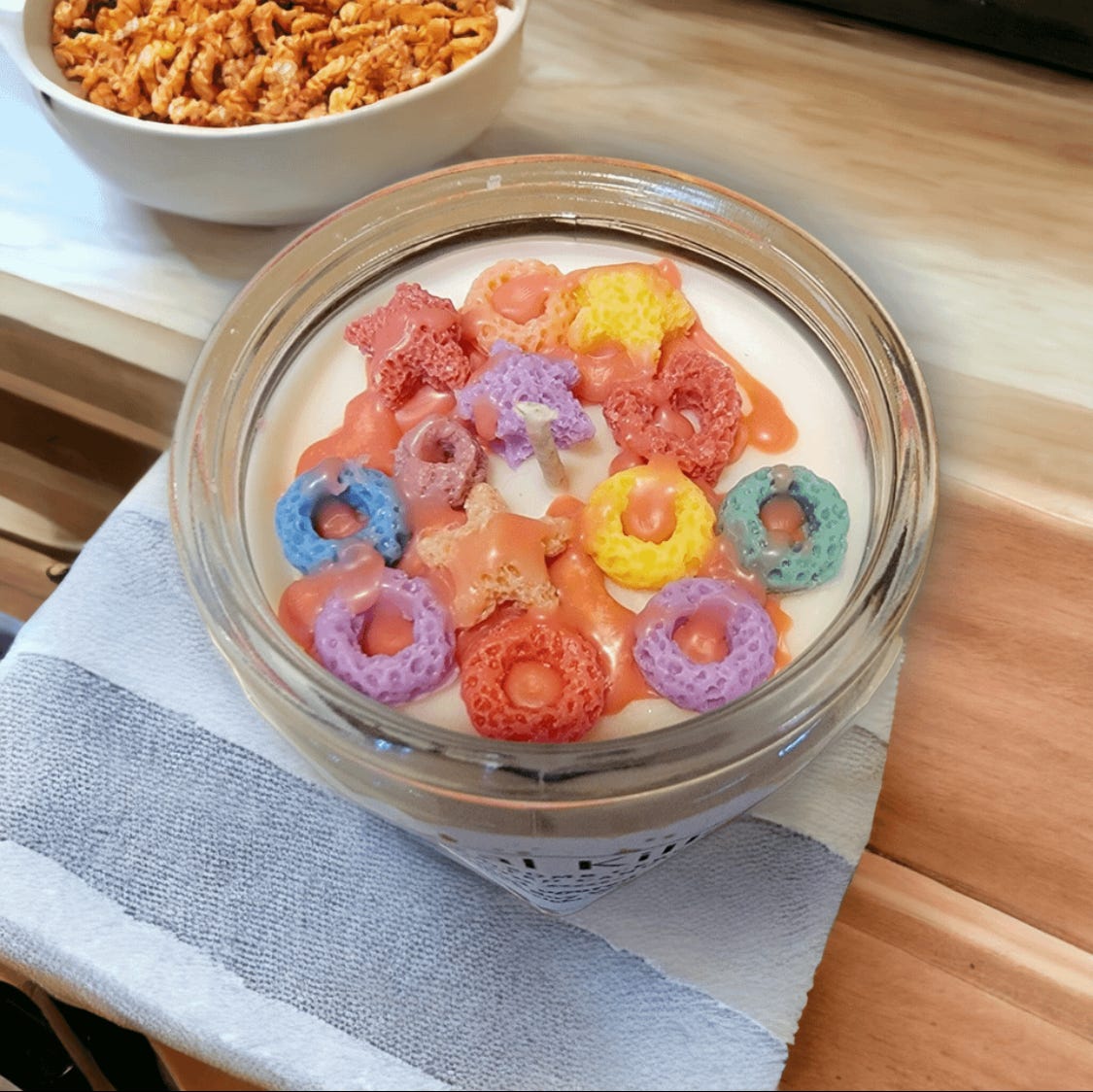
Example of Hyper realistic Cereal Image:
📦 Add Realistic Context
If you want lifestyle shots, anchor the object in a scene:
“A bottle of organic shampoo on a wooden bath tray beside a rolled white towel and eucalyptus leaves, in a spa-like bathroom with fogged glass background, captured with backlighting and steam in frame.”
»»» Towels, trays, books, hands—these extras help the model create context.
🧨 Other Tips That Actually Work:
Add objects related to the product—like sunglasses near a beach towel
Add time of day—“golden hour” or “early morning” shifts mood
Mention gear—“shot on vintage film,” “wide angle lens”
Don’t overdo it—5 to 10 clear chunks is enough
Skip vague words—“nice,” “beautiful,” “amazing” mean nothing to the model
⚡ Quick Prompt Checklist:
Name the object clearly
Describe material, surface, and branding
Place it somewhere believable
Set the lighting and camera style
Add nearby objects for realism
Keep it under 80 words
How to use this prompts:
Ask ChatGPT to describe it first—colors, size, text, position, etc.—then use that in your image prompt.
Try it out. You’ll see the difference.
Whats trending in AI Image creation?
Challenge:
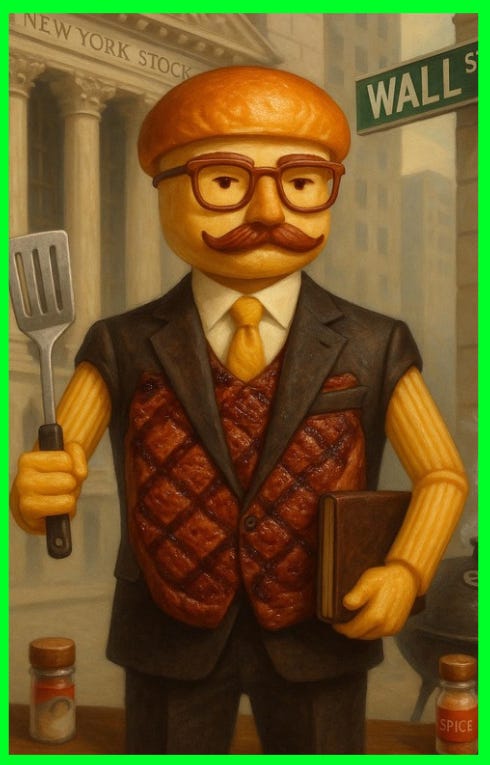
Create an image of yourself as a delicious food:😂
Based on our previous interaction that you know about me, generate a hyper-realistic image of me as a delicious food that I’d eat:Output: